Online shop
How to start an online shop in 2026: products, payments, delivery and the rules
 By Benjamin11 min read
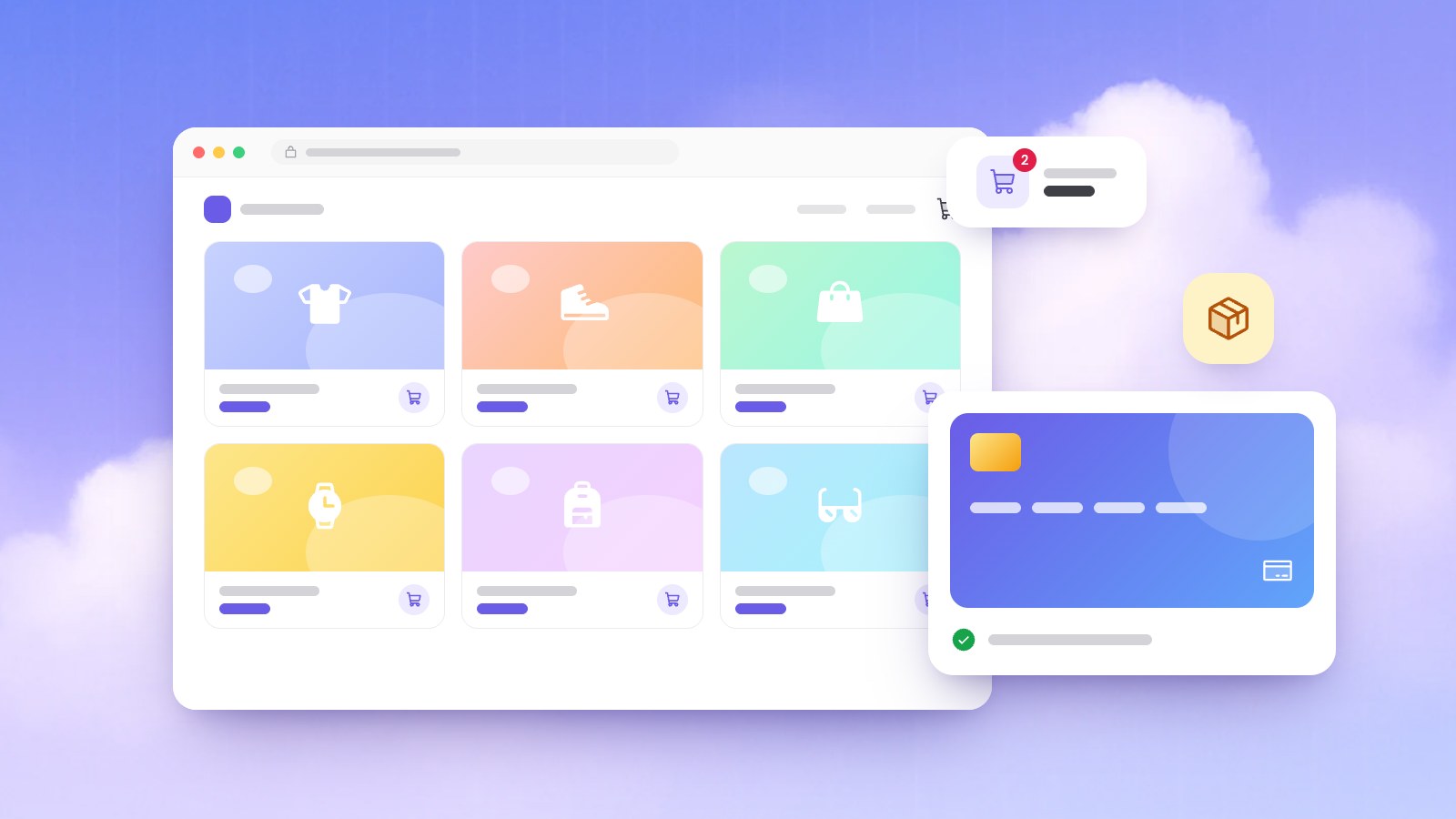
Opening a shop online is the easy part. The real work is answering, on the page, what a shopper would ask you at the counter: what exactly is this, what does it cost with delivery, when will it arrive, and what if it doesn't fit? Every question you leave open is a reason to close the tab.
The buyers are there: in 2025, 78% of internet users in the EU bought or ordered goods or services online, up from 62% in 2015, according to Eurostat.
In short: Start with a small range you can photograph, describe and deliver well. Give each product its own page with real photos, sizes, stock and the full price including delivery. Offer the payment methods your customers already use, publish clear delivery and returns rules (EU consumers get 14 days to withdraw), show who is behind the shop, and win your first orders from people who already know you.
Why shoppers leave before paying
Baymard Institute puts the average documented cart abandonment rate at 70.22%, across 50 studies published from 2006 to 2025. Some of it is window shopping: in its latest survey, 42% of US online shoppers had left a cart because they were "just browsing". Leaving those aside, the main reasons are ones you can fix:
| Reason (Baymard, 2026) | Share | Fix |
|---|---|---|
| Extra costs too high (shipping, tax, fees) | 40% | Show delivery costs on the product page |
| Delivery was too slow | 20% | Promise realistic times |
| Didn't trust the site with card details | 19% | Use a known payment page, show who you are |
| The site wanted an account | 18% | Never force a sign-up |
| Returns policy wasn't satisfactory | 13% | Write a clear, fair returns page |
| Couldn't see the total cost up front | 12% | Show the full price before the order |
| Not enough payment methods | 9% | Offer what your customers use |
What should you sell first?
Start small: a few products you know well beat a big catalog you can't photograph, describe or keep in stock. Good first products are easy to restock, travel without breaking, can be explained by a photo and a paragraph, and still make money after delivery, payment fees and returns.
Check that last point on paper: selling price, minus the cost of the goods, packaging, any delivery you absorb, your payment provider's fee and an allowance for returns. Take a hypothetical linen studio, Fern & Thread: single napkins lost money once packaging and postage were counted, so a set of four became the product. To test demand, post a few products with prices on your social accounts and see which ones get questions.
What does a product page need?
The product page does the selling, and big shops still fall short: in Baymard's 2026 product page benchmark, only 48% of leading US and European desktop sites, and 38% of mobile sites, had a "decent" or better product page.
Photos of the real product
Shoppers can't touch the product, so photos carry the weight. Baymard found that 42% of users try to judge a product's size from its images, so add at least one "in scale" photo, such as the bag on a shoulder or the mug in a hand, and show anything worn on a person.
AI images have their place, just not instead of the real thing. Our free AI product photo generator creates new images from a description (a free account includes 10 images a month), which suits banners, ads and social posts. On the product page, show the actual item: in the EU you are bound by what your ads and labels say, and goods that don't look or work as advertised fall under the legal guarantee.
Description, sizes and stock
Write the description as answers: what it is, what it's made of, exact dimensions, care and what's in the box. Our guide on writing website content helps with the words. Show sizes and colors as visible buttons: Baymard found that 57% of sites still don't, and in testing, sizes hidden in a drop-down meant shoppers learned late that theirs was sold out. Mark sold-out options, add a size guide, and for made-to-order items say how many days they take to ship.
With our online shop website builder, you upload your product photos and price list, the AI uses them as real content, and you edit any product in a chat or the visual editor, even from your phone.
How to show prices and shipping costs up front
Surprise costs are the biggest fixable reason for abandoned carts: 40% in Baymard's survey, plus 12% who couldn't see the total before checkout. Baymard recommends showing the lowest full order cost on the product page, or at least the lowest shipping cost and its conditions, and found that 67% of sites don't.
In the EU it is also the law. The EU's rules for online selling require the price with taxes and delivery costs before the order, the total price right next to the buy button, and a button that makes clear that clicking it means paying, such as "Order & Pay".
Choose a delivery model you can explain in one line (a flat rate, free over a set order value, prices by zone or local pickup), put that line under every price and link a full delivery page from the footer.
How will customers pay you?
Offer the methods your customers already use. In Baymard's survey, 9% of shoppers had abandoned a cart because there weren't enough payment methods, and 19% because they didn't trust the site with their card details.
Card payments through Stripe payment links
In our AI website builder, card payments work through Stripe payment links: the Buy button opens Stripe's own payment page and the customer pays there, so card details are typed on Stripe's page, not on your site. Stripe's Payment Links documentation describes a Stripe-hosted page with over 40 payment methods, automatic receipts and refunds without code, and a link you can also share by email, text message or QR code.
Two limits to know about:
- There is no built-in cart checkout. Each Buy button is its own payment link, so a customer pays for one link at a time. For orders of several items, take the order through a contact form, which is saved in your site's database and emailed to you, then confirm the total and agree how they'll pay.
- Stripe must support your country. It takes payments for businesses based in the countries and regions on its global availability list, which can then sell to customers anywhere.
Cash on delivery, bank transfer and pickup
Depending on where you sell, customers may expect to pay at the door, by bank transfer or when they collect. These work if you confirm each order before shipping, agree with your courier how cash is paid out to you, and track which orders are paid.
| Payment option | Best for | Watch out for |
|---|---|---|
| Stripe payment link | Cards, buyers far away | Your country must be on Stripe's list |
| Cash on delivery | Buyers who pay at the door | Refused parcels; confirm orders first |
| Bank transfer | Larger orders | Check the money arrived before shipping |
| Pay at pickup | Local customers | Only works near you |
Delivery and returns: what to promise
Delivery times you can keep
Slow delivery costs you twice: 20% of shoppers in Baymard's survey had abandoned a cart over it, and in 2025 "delivery slower than expected" was the problem EU online shoppers reported most often, named by 20% of them in Eurostat's survey. Promise times you can keep in a bad week.
The rules agree. In the EU, unless you agreed otherwise, you must deliver within 30 days, and you carry the risk of damage on the way when you hired the carrier. In the US, the FTC's Mail, Internet, or Telephone Order Rule requires a reasonable basis for any shipping time you state, or for shipping within 30 days if you state none. If you can't ship on time, you must get the customer's consent to the delay or promptly refund them.
A returns policy that follows the rules
Consumers in the EU can withdraw within 14 days of delivery without giving a reason. You refund what they paid, including the original standard delivery, within 14 days of being told, though you may wait until the goods are back or you have proof they were sent. They pay the return postage only if you said so before the sale, and if you never told them about the right to withdraw, they get one extra year. Perishable goods, personalised items and opened hygiene-sealed products are exempt. Separately, the legal guarantee covers faulty goods for at least 2 years.
Since 19 June 2026, Directive (EU) 2023/2673 also requires shops that take orders online to offer a withdrawal function labelled "withdraw from contract here" (or equally clear words), easy to find throughout the withdrawal period, and to acknowledge each withdrawal on a durable medium such as an email. Each EU country writes the rule into its own law.
Clear returns also sell: 13% of shoppers in Baymard's survey had abandoned a cart over the returns policy, and in another Baymard study 60% looked for return information on the product page, so summarize it there.
The legal basics for selling online
This is a summary, not legal advice. Before an EU consumer orders, the same Your Europe guide says you must tell them who you are (physical and email addresses, and a phone number if you have one), the product's main characteristics and total price, payment and delivery arrangements, how to withdraw (with a model withdrawal form), who pays for returns and how you handle complaints. After the sale, confirm the order on a durable medium, such as an email, at the latest on delivery, and never use pre-ticked boxes for paid extras.
Outside the EU, start with your national consumer agency. Everywhere, registration, tax and invoicing rules can apply from your first sale, so talk to an accountant before launch.
How to look trustworthy from day one
- Show who you are. Put your name, address, phone and email on a contact page, with a real photo of you or your workshop.
- Put policies where people look. Link your delivery, returns and contact pages in the footer.
- Use your own domain. You can buy a .shop domain or connect one you own with Premium (see pricing); our guide to choosing a domain name helps you pick.
- Answer bad reviews. Baymard's 2026 benchmark found that 89% of sites don't respond to negative user reviews, so a calm reply stands out.
- Test on a phone. Try every product page, Buy button and form on your phone, then ask a friend to place a real order.
How to get your first orders
Nobody can honestly promise you traffic or rankings, so count on bringing the first visitors yourself.
- Start with people who know you. Send customers and contacts a link to one product, not the homepage, and ask first buyers for an honest review.
- Use social media as a shop window. Post products with the price and a direct link; our comparison of a website vs social media explains how the two work together.
- Get found on Google. If customers can collect from you or you deliver locally, follow our Google Business Profile guide. Where Google offers free product listings, Merchant Center can show your products at no cost on Search, Maps, the Shopping tab and Images, though Google says eligibility doesn't guarantee they will be shown.
- Measure and improve. Check which products get visits in your site analytics, then fix the pages that raise questions.
A launch checklist for your online shop
- Choose a first range you can restock, ship and photograph well, and check the margin.
- Build each product page with real photos (one in scale), the final price, sizes as buttons, stock or lead time and a clear description.
- Put a one-line delivery cost and returns summary under every price.
- Write delivery, returns and contact pages and link them in the footer.
- Set up Stripe payment links if your country is supported, plus the local methods your customers use.
- Selling to EU consumers? Add the pre-order information, an order confirmation email and a "withdraw from contract here" function.
- Test every Buy button, payment and form on a phone, including one refund.
- Connect your own domain, then send the link personally to the people who already know you.
Frequently asked questions
Can I run an online shop without a cart checkout?
Yes. A small shop can sell with one payment link per product: the Buy button opens a hosted payment page, such as Stripe's, and the customer pays there. For orders of several items, a contact form collects the order and the customer pays on delivery, by bank transfer or through a payment link you send.
Do I have to accept returns?
If you sell to consumers in the EU, yes: they can withdraw within 14 days of delivery without a reason, and you refund them within 14 days of being told, including standard delivery. Perishable, personalised and opened hygiene-sealed goods are exempt. Elsewhere, check with your national consumer agency.
Which payment methods should a new shop offer?
Start with cards and the method your customers use most locally, such as cash on delivery or bank transfer. In Baymard's survey, 9% of shoppers had abandoned a cart because there were too few payment methods.
How much does it cost to start an online shop?
The website can start free: building and publishing are free on the Starto plan, on a free address, and your own domain with email addresses on it comes with Premium (see the pricing page). Budget separately for stock, packaging, delivery, payment fees and photos.
Sources
- Cart Abandonment Rate: 50 Statistics & Why People Abandon (2026), Baymard Institute, 2026.
- Product Page UX 2026: 10 Pitfalls and Best Practices, Baymard Institute, 2026.
- B2C E-commerce, distance & off-premises selling, Your Europe, European Union, 2026.
- Consumer guarantees, warranties, claims and returns, Your Europe, European Union, 2026.
- Directive (EU) 2023/2673, EUR-Lex, European Union, 2023.
- Accept payments online without writing code (Payment Links), Stripe, 2026.
- Stripe global availability, Stripe, 2026.
- E-commerce statistics for individuals, Eurostat, 2026.
- Free listings for products, Google Merchant Center Help, 2026.
- Business Guide to the FTC's Mail, Internet, or Telephone Order Merchandise Rule, Federal Trade Commission, 2025.