Google Business Profile: how to set it up, get reviews and show up in local search
 By Benjamin11 min read
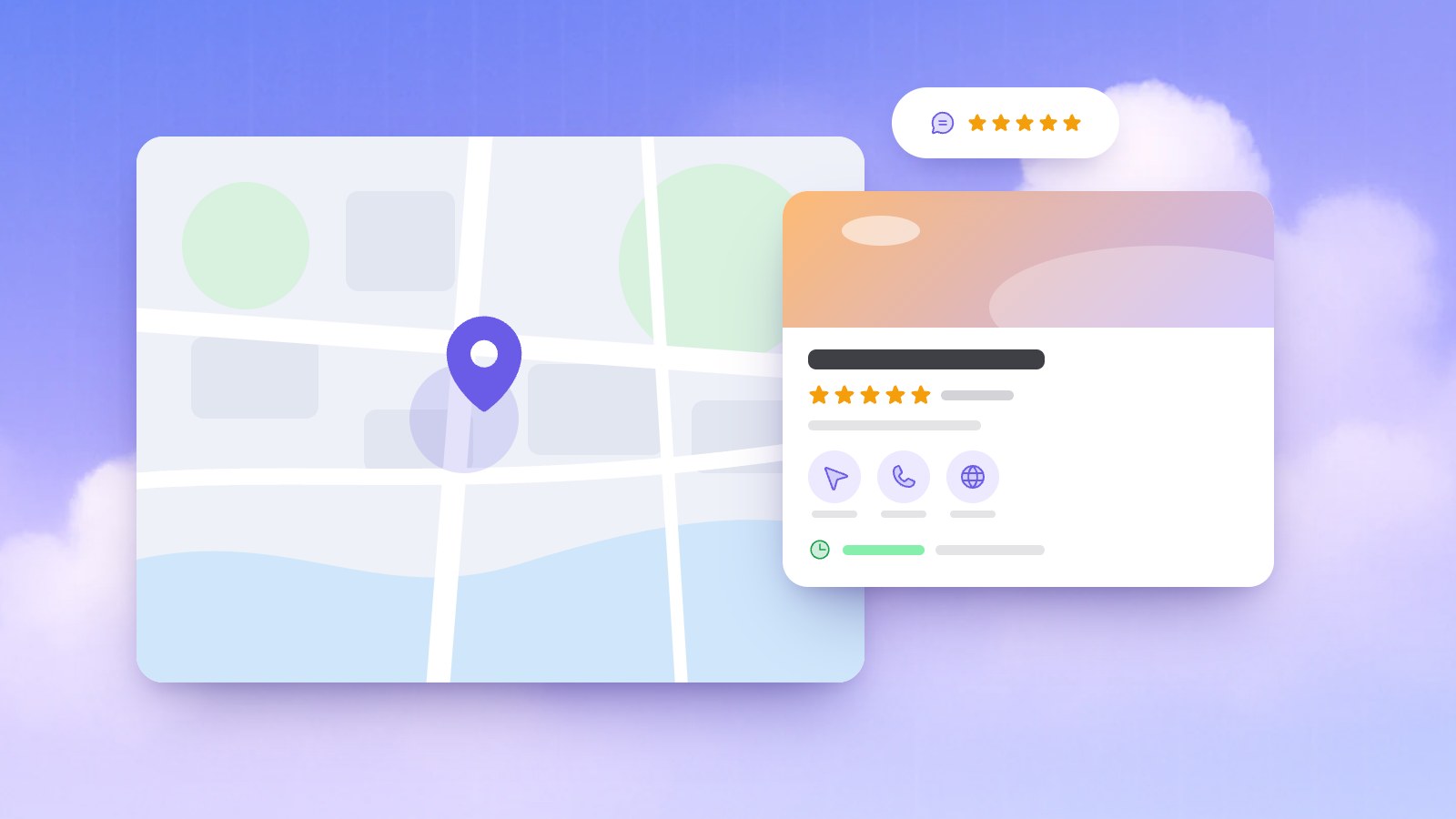
Search for "coffee" or "dentist" on your phone and Google usually answers with a map and a short list of nearby businesses, with stars, opening hours and buttons to call or get directions. Those listings come from Google Business Profiles. For a business with a counter, a waiting room or a service area, the profile can be the first thing a new customer sees.
The profile is free to add or claim, but it only helps if you keep it complete and current. Here is what Google says about local ranking, and how to run a profile properly within its rules.
In short: A Google Business Profile is the free listing that puts your business on Google Maps and in local search results. Claim or create it, verify it, choose the most specific primary category, use the same name, address and phone everywhere, keep your hours current, add real photos, ask every customer for a review, reply to all of them and link your website.
What a Google Business Profile is and who can have one
A Google Business Profile (once called Google My Business) is the panel with your name, map pin, hours, photos and reviews in Google Search and Maps. Google's guidelines for representing your business allow one if your business has a place customers can visit, or if it travels to customers where they are. A shop that only sells online fits neither case.
| Type | Examples | What the profile shows |
|---|---|---|
| Storefront | Café, dental clinic, salon | Address and map pin, with permanent signage |
| Service-area business | Plumber, cleaner, mobile hairdresser | Only the areas you serve, no address |
| Hybrid | Garage with roadside help, restaurant that delivers | Address plus a service area |
You get one profile per business, or one per location if you have branches. A service area shouldn't stretch beyond about two hours of driving from your base, and a plumber who works from home should hide the home address.
How does Google rank local results?
Google's page on improving your local ranking names three factors and states that there is no way to request or pay for a better local ranking. That's why nobody can honestly promise you the top spot.
| Factor | What Google says | What you can do |
|---|---|---|
| Relevance | How well your profile matches the search | Precise categories, services, hours, attributes and a clear description |
| Distance | How far you are from the searcher, or from where Google thinks they are | Keep your address or service area accurate |
| Prominence | How well known you are, including how many websites link to you and how many reviews you have | Steady reviews, replies, local mentions and links, a strong website |
The same page says verified, complete and accurate profiles are more likely to show up. Start there.
How to create and verify your profile
Step 1: Claim or add the profile
Your business may already be on Maps, because anyone can add a missing place. Search your business name and city in Google Maps. If an unverified profile appears, select Claim this business, then Manage now. If someone else verified it, you can request ownership. If there is no profile, go to business.google.com/add and select Add your business to Google, as Google's add or claim page explains.
Step 2: Verify that you run the business
Verification is what lets you edit your details and interact with customers. Google picks the methods you're offered, based on your business type, public information, region and hours. Its verification page lists:
- Phone or text: a code by call or SMS. Automated phone menus can't receive it.
- Email: a message to the address on the verification screen.
- Video recording: a video of your business that you record and submit. Google recommends it whenever it's offered.
- Live video call: during business hours, you show your signs, equipment and proof that you run the place, such as keys.
- Postcard: a 5-digit code by mail. Most codes arrive within 14 days and expire after 30. Don't edit your name, address or category while you wait.
Google's review then takes up to 5 business days. Some profiles are verified instantly, for example when the website is already verified in Google Search Console, which our guide on how to get your website on Google walks through. If an agency sets things up, make sure you're the owner and they're managers.
Name, address and phone: keep them identical everywhere
Google asks you to represent your business the way it's consistently recognized in the real world, across signage, stationery and branding. Local SEO calls this NAP consistency: the same name, address and phone on your profile, website, social pages and directories.
Your business name
Use your real-world name as it appears on your sign. No taglines, store codes, trademark symbols, all-caps words, hours, phone numbers, web addresses, service descriptions or locations: extra words aren't permitted and could get your profile suspended. Write Bella Vista Café, not Bella Vista Café, Best Coffee Downtown, Open 24/7.
Your address or service area
Use a precise address, with the suite or floor on the second line. P.O. boxes and virtual offices aren't eligible, and a co-working desk only counts if it has signage, receives customers and is staffed during your hours. If your street has no number or Google can't find it, place the pin on the map yourself.
Your phone number
Use a local number that you control rather than a call center line, and the same main number everywhere. Premium-rate numbers aren't accepted.
Changing the name after verification may mean verifying again, and moving to a new address always does, according to Google's page on editing your profile.
How to choose the right categories
The first category you pick is your primary category, and you can add up to 9 more. Google's guidelines give three rules:
- Describe what the business is, not what it has. The test is "this business IS a", not "HAS a". A café with a cake counter is a coffee shop that has cakes.
- Be specific and use as few categories as possible. Google adds the general ones behind a specific category, so skip repeats.
- Don't use categories as keywords, and don't borrow the category of a business inside yours or next door.
Google also reads category information from your website and from mentions of your business around the web, so describe your services clearly on your own pages.
Hours, services and your description
List the hours when customers can walk in, add special hours for holidays and use More hours for services with their own times. Mark a seasonal business as temporarily closed in the off-season, and if you work strictly by appointment, the guidelines say not to list hours at all.
Depending on your category, you can list services or, for food and drink, a menu, with prices. In-store product listings are limited to the US, Canada, the UK and Ireland. Attributes such as Wi-Fi or parking answer the small questions that decide a visit.
The description allows up to 750 characters, with no links, prices or promotions. Say what you offer, what makes you different and how long you've been around:
Bella Vista is a family-run café in the old town, open since 2015. We roast our own beans, bake cakes every morning and serve breakfast until noon.
Our guide on writing website content has more on short, specific copy.
Photos and videos that help customers decide
Google's ranking page recommends photos and videos that show what you offer, and its editing page notes that an exterior photo helps customers recognize you when they arrive. Start with the outside as customers approach, with your sign visible; the inside; your work (dishes, haircuts, finished jobs); your team, if they agree; and your logo and a cover photo. Use real, recent, well-lit photos instead of stock images, and add new ones every season.
Reviews: how to get more and how to reply
Why reviews carry so much weight
Reviews count toward prominence and decide whether people choose you. BrightLocal's Local Consumer Review Survey 2026, based on 1,002 US adults, found that 97% of consumers read reviews for local businesses, 74% only care about reviews written in the last three months, 47% won't use a business with fewer than 20 reviews, and 68% only use businesses rated four stars or more, up from 55% in 2025.
How to ask without breaking the rules
Google's tips to get more reviews encourage you to remind customers and give them a Google review link or QR code: put the code by the till and the link in your emails. The limits are in Google Maps' policy on prohibited content:
| Do this | Not this |
|---|---|
| Ask every customer for an honest review | Ask only the customers you think are happy |
| Share your review link or QR code | Offer a discount, gift or freebie for a review, or for changing or removing a bad one |
| Remind people after their visit | Pressure people to rate you while they're on your premises |
| Let customers write what they want | Ask for specific words, or for a staff member to be named |
| Collect reviews from real customers | Review yourself, or let staff and family review you |
Setting staff targets for a number of reviews is banned too, and Google removes incentivized reviews.
How to reply to every review
In the same survey, 89% of consumers expect owners to respond to reviews, 80% are likely to use a business that responds to all of them, 50% are put off by generic, templated replies and 81% expect an answer within a week.
Google's advice: be polite and brief, make each reply specific and don't push offers. With a negative review, protect the reviewer's privacy, be honest, apologize when it's deserved and offer to continue by phone or email. Flag reviews that break Google's policies instead of arguing.
- Positive: "Thanks, Sara! Glad you liked the pistachio cake. It's back every Saturday. Ella, Bella Vista"
- Negative: "Hi Mark, sorry your coffee took 25 minutes on Saturday. We were a barista short, so we now have two on weekend mornings. Call the café and ask for me. Ella, owner"
Posts: show that the business is active
Google's page on creating posts lists three types: updates with a photo or video and a button to book, order or learn more; offers with a title, dates and times, plus an optional coupon code; and events with a title, dates and times. Posts older than 6 months are archived unless you set a date range, and you can schedule posts or make them repeat. Leave phone numbers out of the text: Google can reject a post if it can't tie the number to your business. Post a seasonal menu, holiday hours or a new service, linked to the matching page of your site.
Link the profile to your own website
Enter your website's full address, including https://, and make sure Google's crawler isn't blocked. The profile lives on Google's terms: Google once built simple websites from Business Profiles and shut them down in 2024, sending visitors to the profile from March 1 and showing the sites as unavailable after June 10.
Customers still want the full picture. BrightLocal found that 54% of consumers visit a business's website after reading positive reviews, and that the share who use AI tools for local recommendations jumped from 6% to 45% in a year. Those people, and those AI assistants, read what your profile and your site say, so make them match: the same name, address, phone and hours, a page or section for each main service, a contact form and directions.
If you don't have a site yet, our AI website builder creates one from a short description of your business, whether you run a café or a dental clinic. Every page is published with a title, a description and structured data, and you can start on a free yourname.businesswebsite.app address, then connect your own domain with Premium. See also website vs social media for business.
Your local SEO checklist
| Task | How often |
|---|---|
| Claim or create the profile and verify it | Once |
| Check that name, address and phone match everywhere | Every quarter |
| Update hours, holiday hours, services and attributes | Before each holiday and season |
| Add new real photos | Every month |
| Share your review link with every customer | Every day |
| Reply to every review, good or bad | Within a few days |
| Publish an update, offer or event | Every two to four weeks |
Frequently asked questions
Is a Google Business Profile free?
Yes. Google lets you add or claim a profile at no charge, and Google says you can't request or pay for a better local ranking.
How long does Google Business Profile verification take?
Google's review takes up to 5 business days after you finish the steps, occasionally longer. Postcard codes mostly arrive within 14 days, and some profiles are verified instantly, for example when the website is verified in Search Console.
Can I have a profile if I work from home or travel to customers?
Yes, as a service-area business. Hide your home address and list the areas you serve, within about two hours of driving from your base. Virtual offices and P.O. boxes aren't eligible.
Am I allowed to ask customers for Google reviews?
Yes, as long as you ask every customer and not only the happy ones. You can't offer anything in return, pressure people while they're on your premises, ask for specific wording or let staff and family review you.
Why doesn't my business show up on Google Maps?
Check that the profile is verified and that your category and details match what people search for. Someone across town may see closer businesses first, and prominence grows slowly with reviews and links. It can't be bought.
Sources
- Tips to improve your local ranking on Google, Google, 2026.
- Guidelines for representing your business on Google, Google, 2026.
- Verify your business on Google, Google, 2026.
- Add or claim your Business Profile, Google, 2026.
- Edit your Business Profile, Google, 2026.
- Tips to get more reviews, Google, 2026.
- Prohibited & restricted content, Google Maps, 2026.
- Create & manage posts on your Business Profile, Google, 2026.
- Local Consumer Review Survey 2026, BrightLocal, 2026.
- Google Shutting Down Websites Made With Google Business Profiles, Search Engine Roundtable, 2024.